Daggerfall Unity
PC port of The Elder Scrolls II: Daggerfall
- ReimplementationPort Type
- Interkarma and contributorsDeveloper
- 26 Oct 2026Page Updated
Details
- Developer
- Interkarma and contributors
- Port Type
- ReimplementationThe game was rebuilt in new code that plays like the original and loads its data from your own copy.
- AI Use
- Not statedThe developers haven't said whether they used AI.
- Source Code
- GitHub
- Original Release
- dfworkshop.net
- Page Updated
Platform Support
- Windows
- Linux
- macOS
ScreenshotsView All (5)
Overview
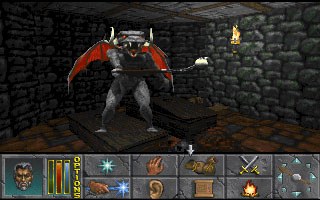
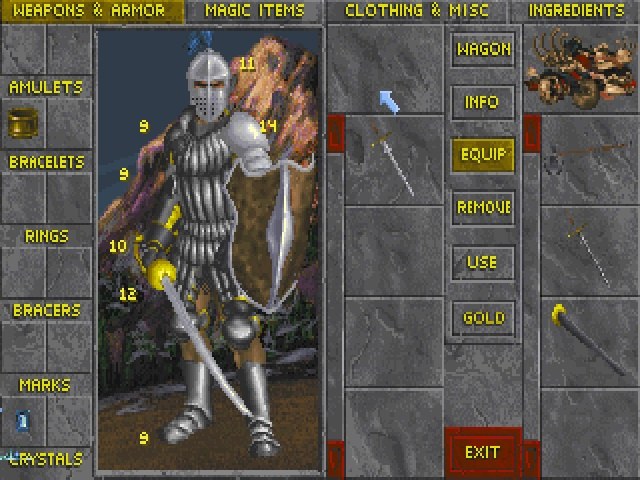
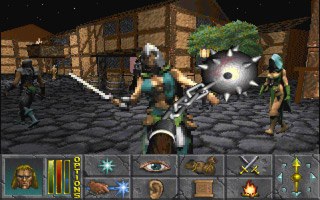
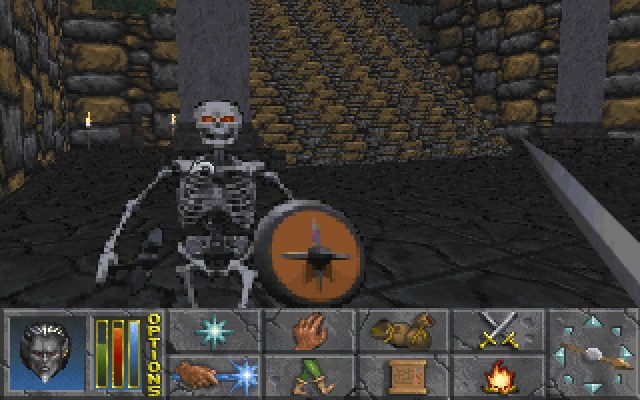
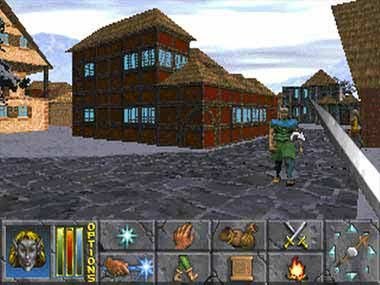
Daggerfall Unity is an open-source recreation of The Elder Scrolls II: Daggerfall, Bethesda’s huge 1996 role-playing game, built in the Unity engine by Daggerfall Workshop. It loads the textures, models, sounds and quests of the original DOS game and runs natively on Windows, macOS and Linux without emulation.
The whole game is playable with hundreds of fixes for the original’s bugs, smooth mouse look, high widescreen resolutions, better lighting and much longer draw distances, while keeping Daggerfall’s pixel-art look. A retro mode renders at 320x200 or 640x400 with the original palettes for those who want it exactly as it was.
It also has extensive mod support, with a large community making graphics overhauls, new quests and guilds, translations and gameplay changes.
How to Set It Up
- Get the free DOS version of Daggerfall and install or unzip it, so you have its
DAGGERfolder (withARENA2inside). - Download Daggerfall Unity for your system and unzip it into a folder of its own.
- Run
DaggerfallUnityand, on first start, point it at yourDAGGERfolder. It checks the files and starts the game.