
DOSBox Staging
Modern DOSBox continuation with sensible defaults
- Open SourceGitHub
- DOSBox Staging TeamDeveloper
- 14 Nov 2026Page Updated
Details
- Developers
- DOSBox Staging Team
- Source Code
- GitHub
- Page Updated
Supported Systems
Platform Support
Screenshots
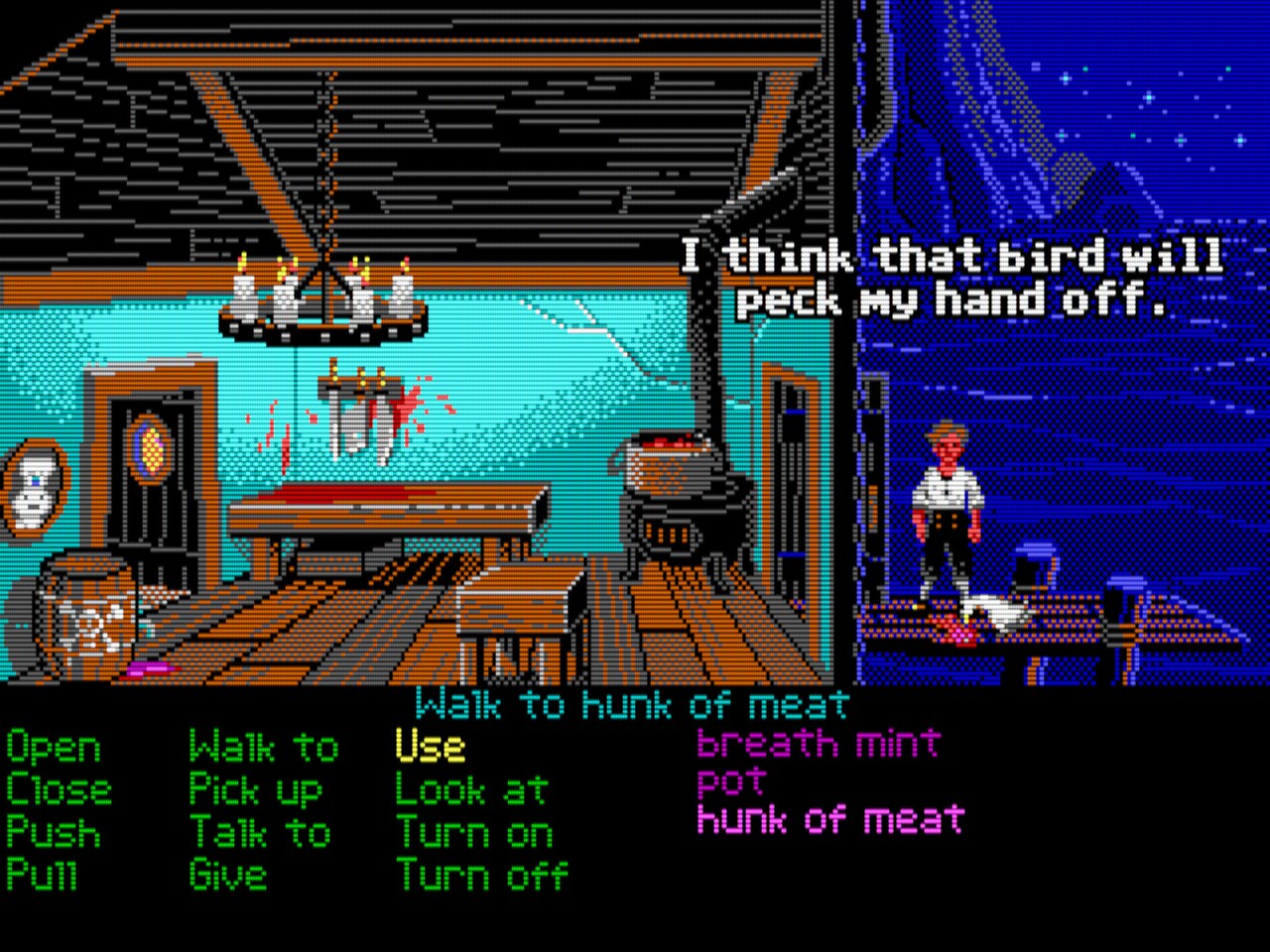
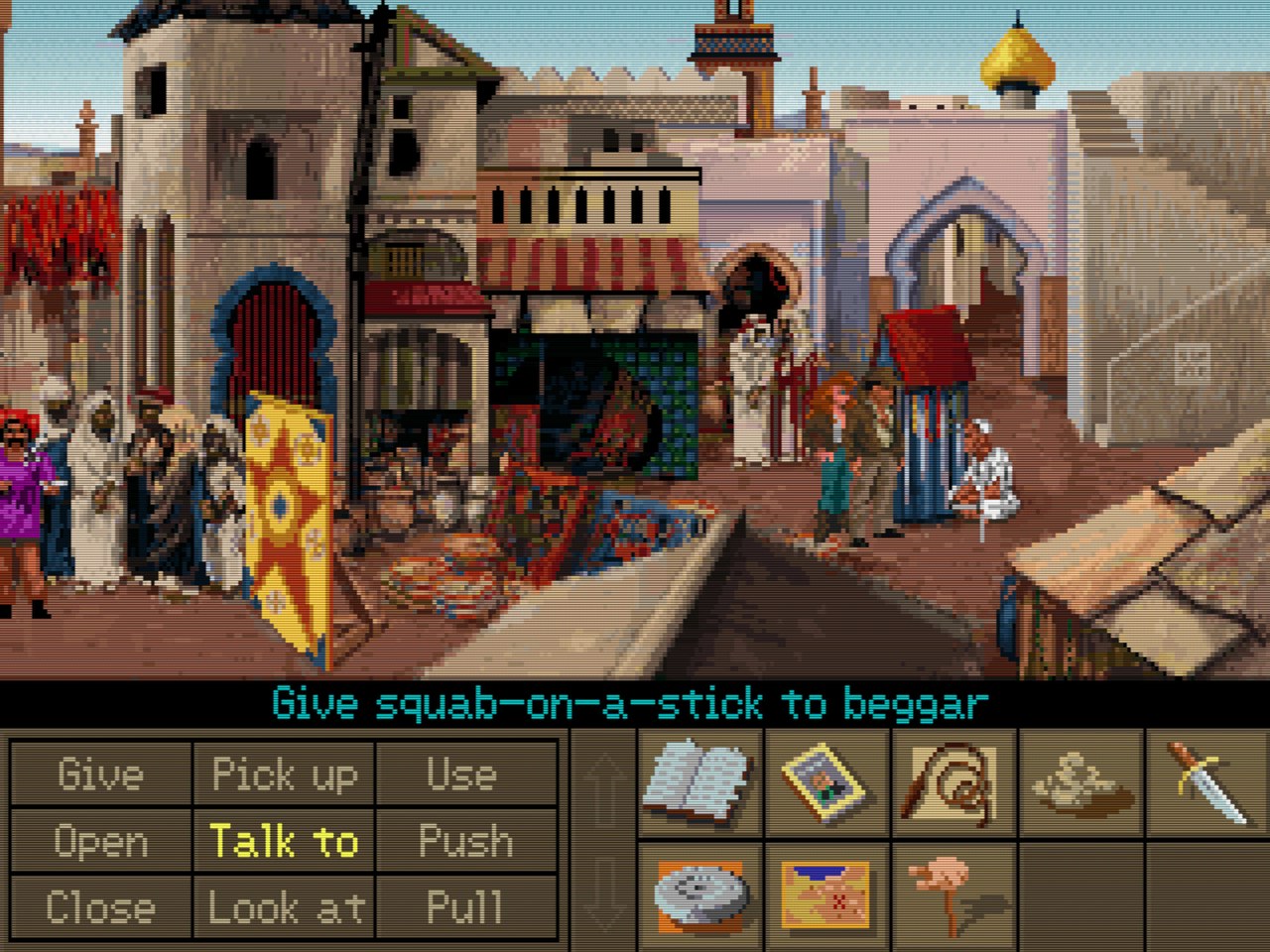
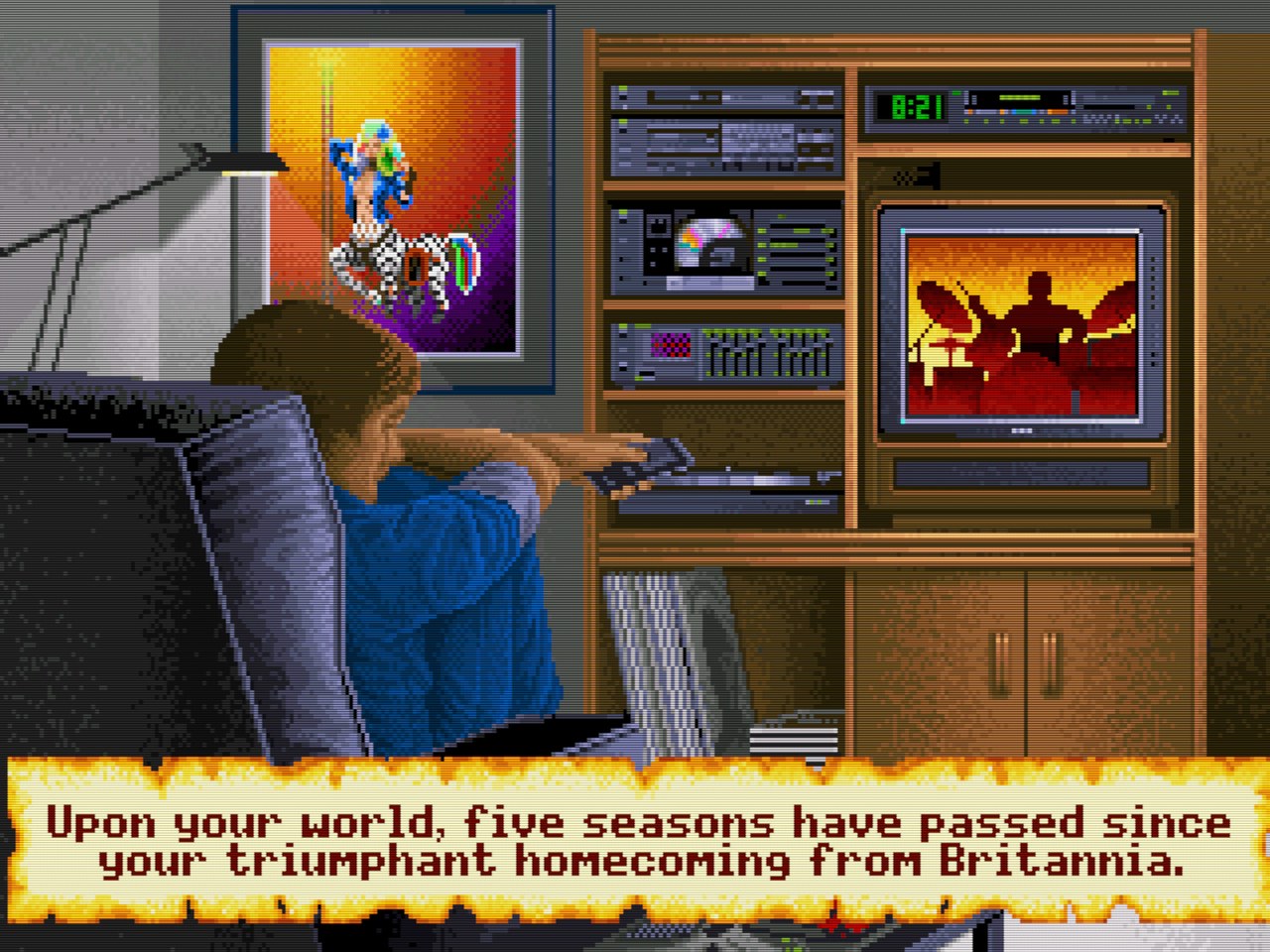
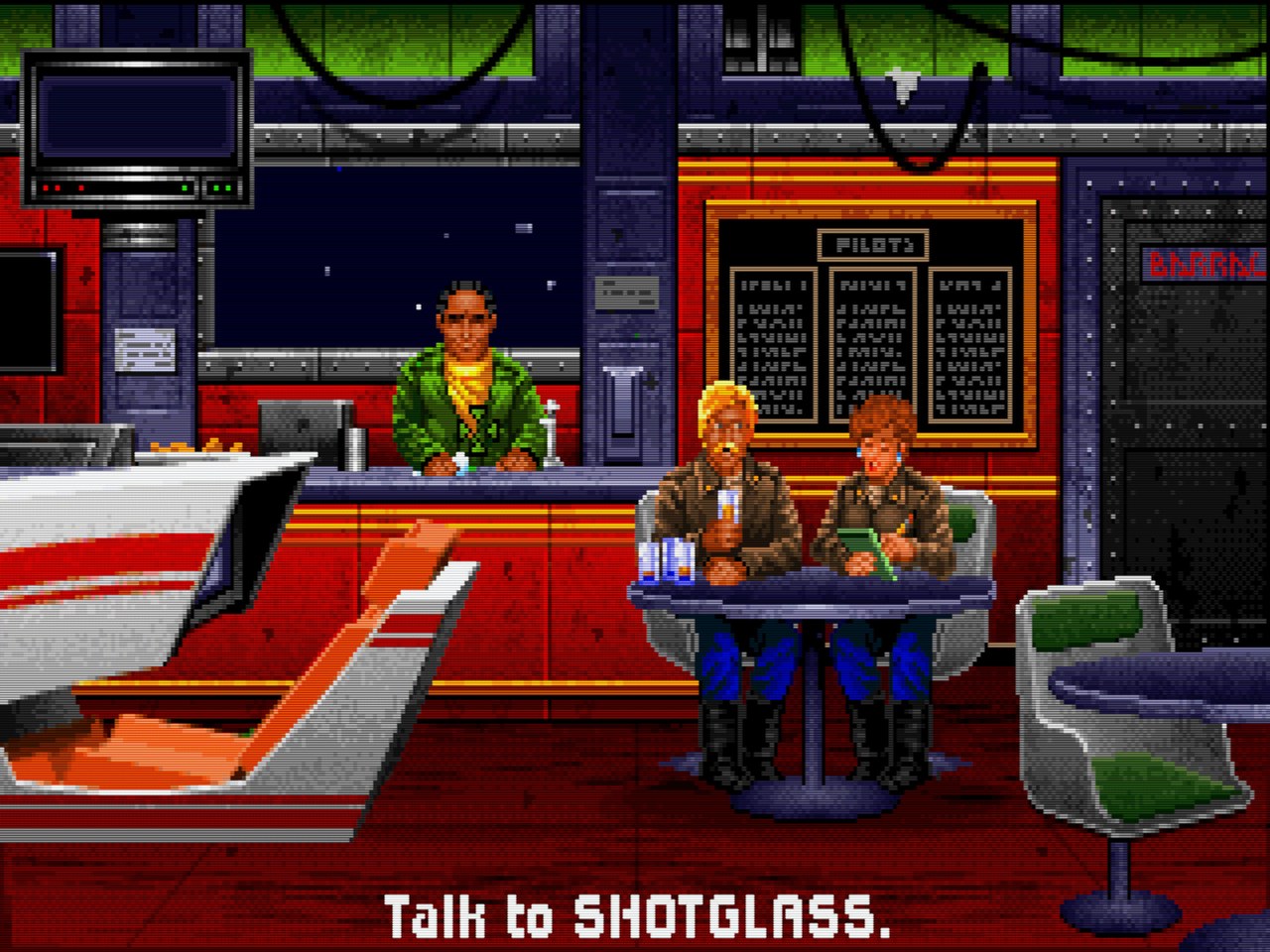
Overview
DOSBox Staging is a modern continuation of DOSBox, the original DOS emulator. It is developed by the DOSBox Staging team, released under the GNU GPL (version 2 or later), and has official builds for Windows, macOS and Linux.
It is mostly a drop-in replacement for older DOSBox versions, so existing configurations keep working. It comes with sensible defaults, so most games run well without any tweaking, and adds features such as automatic CRT shader emulation, aspect ratio correction and composite video emulation. It also emulates a long list of sound devices, including the Sound Blaster, Gravis UltraSound, Roland MT-32 and Sound Canvas, alongside 3dfx Voodoo graphics and ReelMagic video cards.
DOSBox Staging is in active development with regular releases. It is a good choice for playing DOS games today, while DOSBox-X is better suited to running Windows 3.x and 9x or Japanese PC-98 software.
Key Features
Sensible Defaults
Most games run well without any tweaking.
CRT Emulation
Automatic CRT shaders, aspect ratio correction and composite video.
Sound Devices
Emulates the Sound Blaster, Gravis UltraSound, MT-32 and Sound Canvas.
Voodoo Graphics
Emulates 3dfx Voodoo graphics and ReelMagic video cards.
Advertisement
Download DOSBox Staging
What's new in v0.83.10.83.1 Release
🛑 STOP: Read the docs BEFORE asking questions or opening issues
Caution
Most questions we receive are already answered in the documentation. Questions and issue tickets that are clearly covered by the docs may be closed without further discussion.
Before you post anything, you MUST:
- 📖 Read the 0.83.1 release notes. They explain what’s new, what’s changed, and what may behave differently from previous versions.
- 🚀 New to DOSBox Staging? Read the Getting Started guide. This is not optional. It covers the basics that most first-time questions are about.
- 📚 Check the user manual to learn how the new features work and how to configure them.
- 🔍 Search the project website using the search box in the top-right corner. It searches the entire site, including the Getting Started guide and the user manual.
- 🧩 Check the wiki and the Game issues page. Your problem may already be known, and there may be a workaround.
Important
Only ask a question or raise an issue ticket after you’ve done ALL of the above. When you do post, tell us what you’ve already read and tried. It saves everyone time and gets you an answer faster.
22026101687c74f6d7b5443a114a3236f419d3651b20d09aec973031e8a1aec0
3c7c925e28a5c88ae9f9f1a315ad07d91176b135fbe5f6f240eeee148ed176b0
a016f04c25b0c27cc3dfa4165cd7242feb36d647fc9b3e4990ca83257d1012ad
afe87df02f24a833cb456f1e0f1349d75ddd6bf4a1795369d8be5c7e7f0f4e41